A few minutes of prep now saves you from watching a progress bar on launch night.
1. Check your storage
The download is up to 212 GB, depending on your console, and launch patches add to it. Clear out games you are not playing before you start.
2. Update your console
Install the latest system software today. A pending system update is the most common reason a new game will not start.
3. Pre-load if you bought digitally
Pre-load has been live since November 10. Start it now and leave the console in rest mode. See our pre-load guide.
4. Sign in to your Rockstar account
Make sure you can sign in to your Rockstar Games account and that it is linked to your console account. Reset your password now if you have forgotten it.
5. Check your edition
Make sure the edition in your library is the one you meant to buy. Our editions guide explains the difference.
6. Decide how you feel about spoilers
Story clips will be everywhere within hours. Mute keywords such as “GTA 6 ending” on social media. On this site, story spoilers never appear in headlines or thumbnails.
7. Bookmark the pages you will need
- Release time: midnight where you live.
- Missions: walkthroughs go up as we finish them.
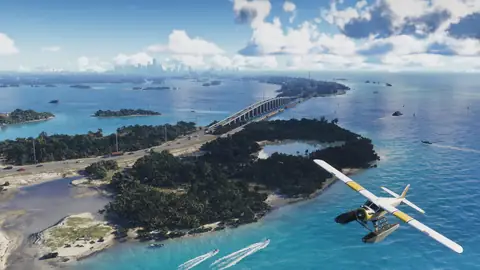
- Map: the six regions.
- Guides: tips for your first hours.